
ESPN launched MLB.TV on ESPN this week for the 2026 Major League Baseball season. The service lets fans watch out-of-market games through the ESPN app. It started on February 10. This move builds on a long partnership between ESPN and MLB. Fans can now sign up directly with ESPN.
Key Takeaways
- ESPN requires an Unlimited subscription to buy MLB.TV, but new users get one month free.
- Seasonal MLB.TV costs $134.99 for existing ESPN Unlimited subscribers or $149.99 otherwise.
- Coverage includes live out-of-market games, MLB Network, archives, and postseason streams.
- Activation links ESPN and MLB accounts for use across both apps.
Background
Major League Baseball and ESPN have worked together for years. They've shared broadcasts and highlights. Now, ESPN steps in as the home for MLB.TV. This out-of-market streaming service used to run through MLB's own site. But for 2026, everything shifts to ESPN. The change aims to make the ESPN app a one-stop spot for sports fans. It pulls in baseball alongside other leagues.
Spring training games kicked off early this month. Fans noticed the new setup right away. MLB.TV covers regular season games that aren't blacked out in your local area. That means if you're a Yankees fan in Texas, you can catch every pitch. Blackouts still apply for local teams. And postseason access comes through the MLB app with linked accounts.
ESPN Unlimited sits at the center of this. It's a streaming plan that costs about $30 a month on its own. But it bundles with Disney services for some users. Without it, you can't grab MLB.TV. New folks get a free month to test things out. Then they decide if it's worth keeping.
And here's the thing. Local team streams, called Club.TV, stay on MLB's platforms for now. ESPN plans to bring those over later. It's a step-by-step shift. Fans who love in-market games won't see changes yet.
Key Details
Signing up takes a few steps. Head to the ESPN site or app. Find the MLB.TV section under account management. You'll need a MyDisney account. That's the login for ESPN, Disney+, and more. Link it to your MLB account if you have one.
Costs break down like this. Seasonal plans run $149.99 for new buyers. But if you've got ESPN Unlimited already, it's $134.99. That's a $15 break. Monthly options hit $29.99 per month. They renew until October. Then pause until spring. Seasonal buyers keep MLB Network all year, even in the off-season.
What do you get? Live out-of-market regular season games. Both home and away feeds. Full MLB Network channel around the clock. Shows like MLB Tonight and Intentional Talk. On-demand replays of every game. MLB Big Inning for quick highlights. And audio from all 30 teams, blackout-free.
Postseason perks too. Log into the MLB app for select playoff games and the All-Star Game. Minor league streams pop up live sometimes.
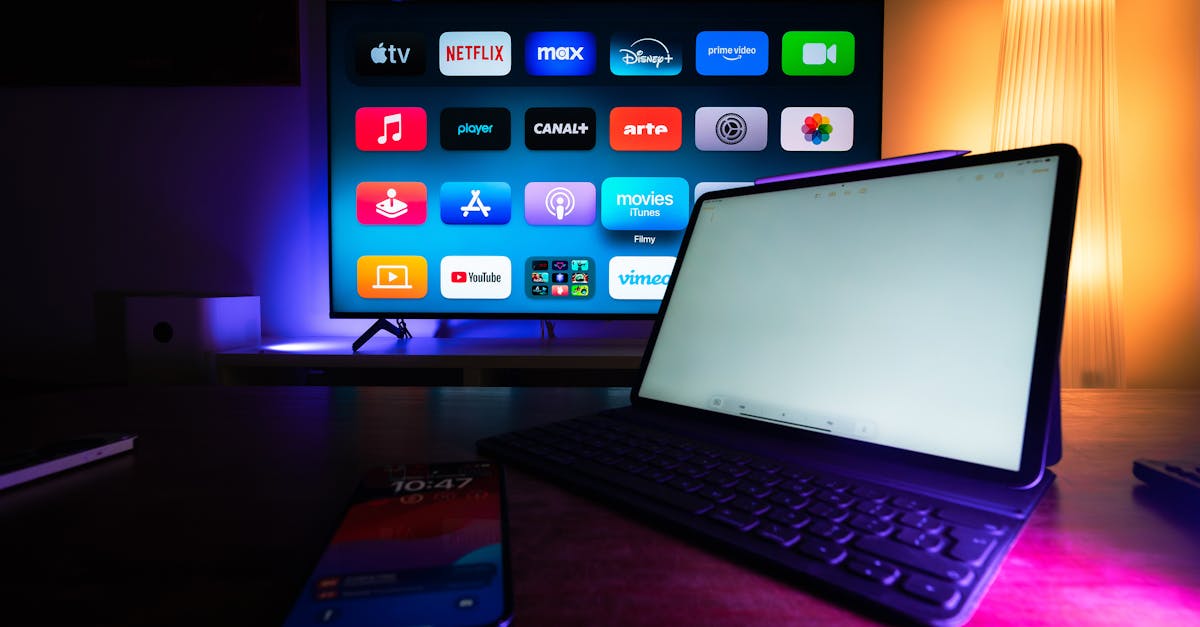
Devices work across the board. iPhones, Android phones, tablets. Smart TVs like Roku, Fire TV, Apple TV. Game consoles such as Xbox and PlayStation. Even web browsers. Just about anything connected handles it.
Activation for Existing Subscribers
Got MLB.TV from MLB before? Link it up. Go to MLB account settings. Find the ESPN activation option. Follow prompts to connect with MyDisney. Now watch on both apps. ESPN buyers do the reverse in their account page.
Billing renews automatically. Seasonal ones charge at season's end. Monthly keeps going monthly. Emails warn before baseball starts again. Cancel anytime to stop charges.
"This agreement enhances one of sports media's longest-standing partnerships." – ESPN spokesperson
Some fans hit snags during signup. One tester noted the free trial wasn't clear at first. It required digging or calling support. But once linked, streams run smooth.
For more on soccer transfers shaking up teams, check Casemiro's potential exit from Man United. And see how US women's hockey team advanced ahead of their big clash.
What This Means
Fans gain easier access in one app. No jumping between MLB and ESPN sites. Everything lives under ESPN now. That simplifies logins for Disney bundle users. But it adds a layer for others. The Unlimited requirement means extra cost if you don't have it. Free trials help test the waters. Still, some might stick to cable or free highlights.
Baseball viewership could rise. ESPN pushes MLB.TV in its app. Notifications pop for games. Big Inning draws casual watchers. Archives let you catch up anytime. Off-season MLB Network keeps engagement high.
Teams benefit too. More eyes on out-of-market games. That boosts ad dollars indirectly. Local streams stay separate for now. So hometown fans aren't forced to switch.
Small headaches exist. Signup confusion frustrates a few. Linking accounts takes minutes. But customer service helps. Monthly plans suit light fans. Full season fits die-hards.
Cord-cutters watch closely. Streaming sports grows every year. This bundles baseball with ESPN's football, basketball coverage. One sub, many sports. Yet prices climb. $150 for baseball alone stings some budgets.
Club.TV transition looms. When it hits ESPN, local games join the mix. That could end blackouts for some. Or raise prices further. MLB works on it quietly.
Broader trends show up here. Sports media consolidates. ESPN grabs more rights. Fans pay per league or bundle up. Free options dwindle. But quality streams beat fuzzy antennas.
Frequently Asked Questions
How do I cancel my MLB.TV subscription on ESPN?
Go to your ESPN account management. Find subscriptions. Select MLB.TV and choose cancel. Monthly plans stop at month's end. Seasonal ones end at billing cycle close.
Does MLB.TV on ESPN work outside the US?
Yes, but blackouts and restrictions apply based on location. Use a VPN at your own risk. ESPN checks IP addresses.
Can I share my ESPN MLB.TV sub with family?
ESPN Unlimited allows profile sharing. MLB.TV ties to the account. One login per household works on multiple devices.
Frequently Asked Questions
How do I cancel my MLB.TV subscription on ESPN?
Go to your ESPN account management. Find subscriptions. Select MLB.TV and choose cancel. Monthly plans stop at month’s end. Seasonal ones end at billing cycle close.
Does MLB.TV on ESPN work outside the US?
Yes, but blackouts and restrictions apply based on location. Use a VPN at your own risk. ESPN checks IP addresses.
Can I share my ESPN MLB.TV sub with family?
ESPN Unlimited allows profile sharing. MLB.TV ties to the account. One login per household works on multiple devices.